 Screenshot.Rocks
Website screenshot generator
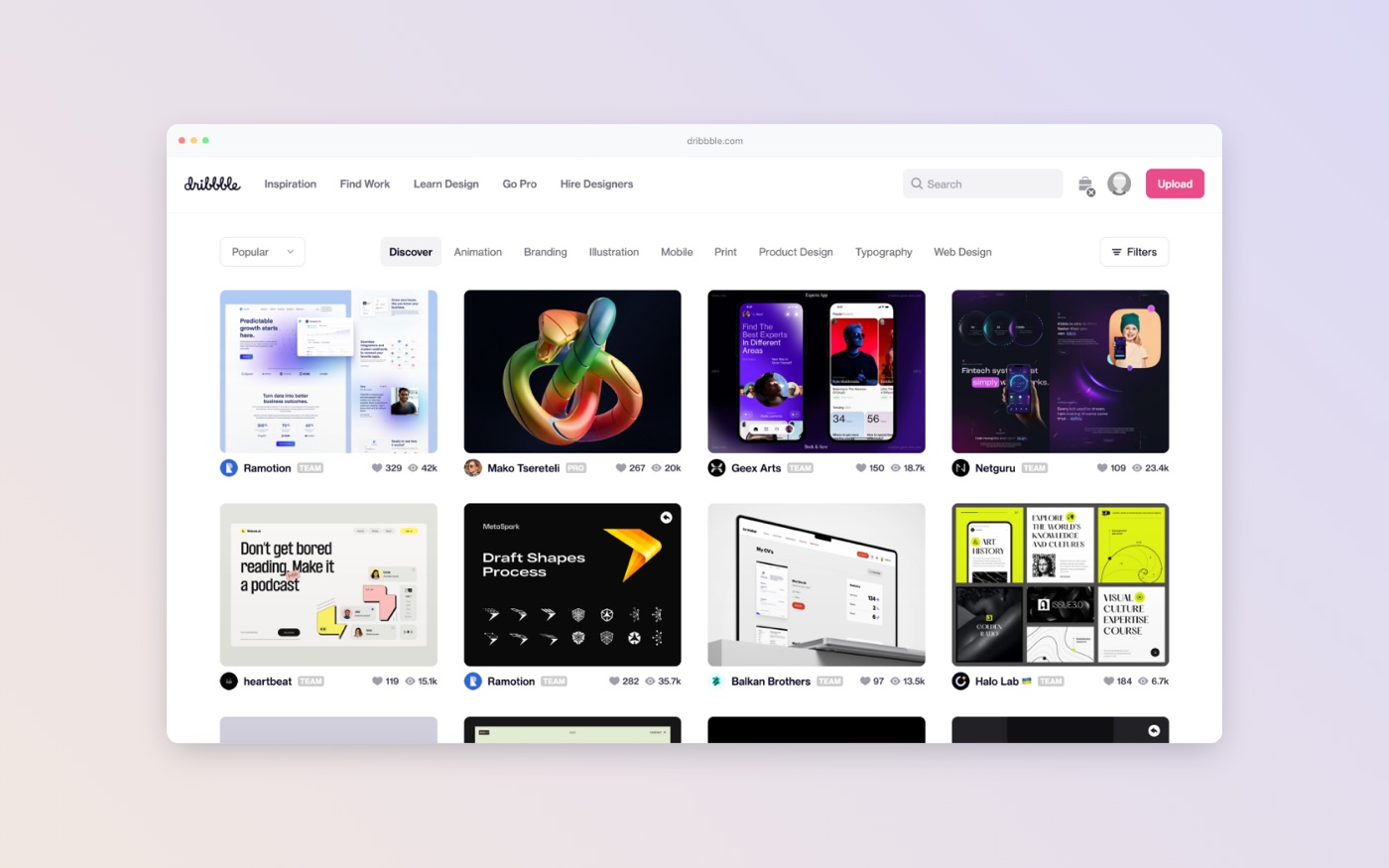
Type a URL and get a sharp screenshot of the first screen of the page, already in a browser window with the address filled in. Choose a background and export it. For the whole scrolling page, see full-page screenshots.
How to capture a website
- Open the editor.
- Under Or capture a website, type the address. You can leave out
https://. - Tick Mobile if you want the phone layout. Otherwise you get the desktop layout.
- Press Capture. The page opens in a browser frame with its address in the address bar.
- Choose a frame style and background, then export.
What the capture includes
| Layout | Browser window | Image size |
|---|---|---|
| Desktop | 1440 × 800, at 2× density | 2880 × 1600 px |
| Mobile | 375 × 812 (an iPhone), at 3× density | 1125 × 2436 px |
The capture is the first screen of the page, the part a visitor sees before scrolling. That is usually what you want for a mockup; a full-length page is very tall and shrinks to unreadable when framed.
The capture runs on a server that loads the page as a first-time visitor, so it can’t see anything behind a login, local addresses like localhost, or sites that block automated browsers.
When to capture the page yourself
Your own browser can capture things the online tool can’t. Take the screenshot yourself, then drop it into the editor, when you need:
- The whole page. Every major browser can do this without an extension. See how to take a full-page screenshot.
- A logged-in page, like a dashboard or settings screen. The browser extension captures the tab you’re on in one click.
- A particular state, such as an open menu, a filled-in form or a hover effect.
- A local or staging site that isn’t public.
Common uses
- Launch posts and changelogs. A framed screenshot on a soft background reads as a finished image in a feed.
- Portfolios and case studies. Keep every project in the same frame and background so the set looks consistent.
- Proposals and pitch decks. Export at 1920 × 1080 for a full-width slide.
- Documentation. A browser frame makes it obvious the image is a web page, not part of the docs themselves.
Frequently asked questions
Does it capture the full page?
No, it captures the first screen. For the full length, use your browser’s built-in capture; the full-page screenshot guide shows where it is in Chrome, Firefox, Edge and Safari.
Can I capture localhost or a staging site?
Not with the online capture, because the server can’t reach it. Use the browser extension or take a screenshot and drop it into the editor.
Why did the capture fail?
Usually the address is mistyped, the site took too long to load, or it blocks automated browsers. Check the address and try again, or capture it yourself.
Is the captured page saved anywhere?
No. The screenshot is sent back to your browser and isn’t stored on the server.