 Screenshot.Rocks
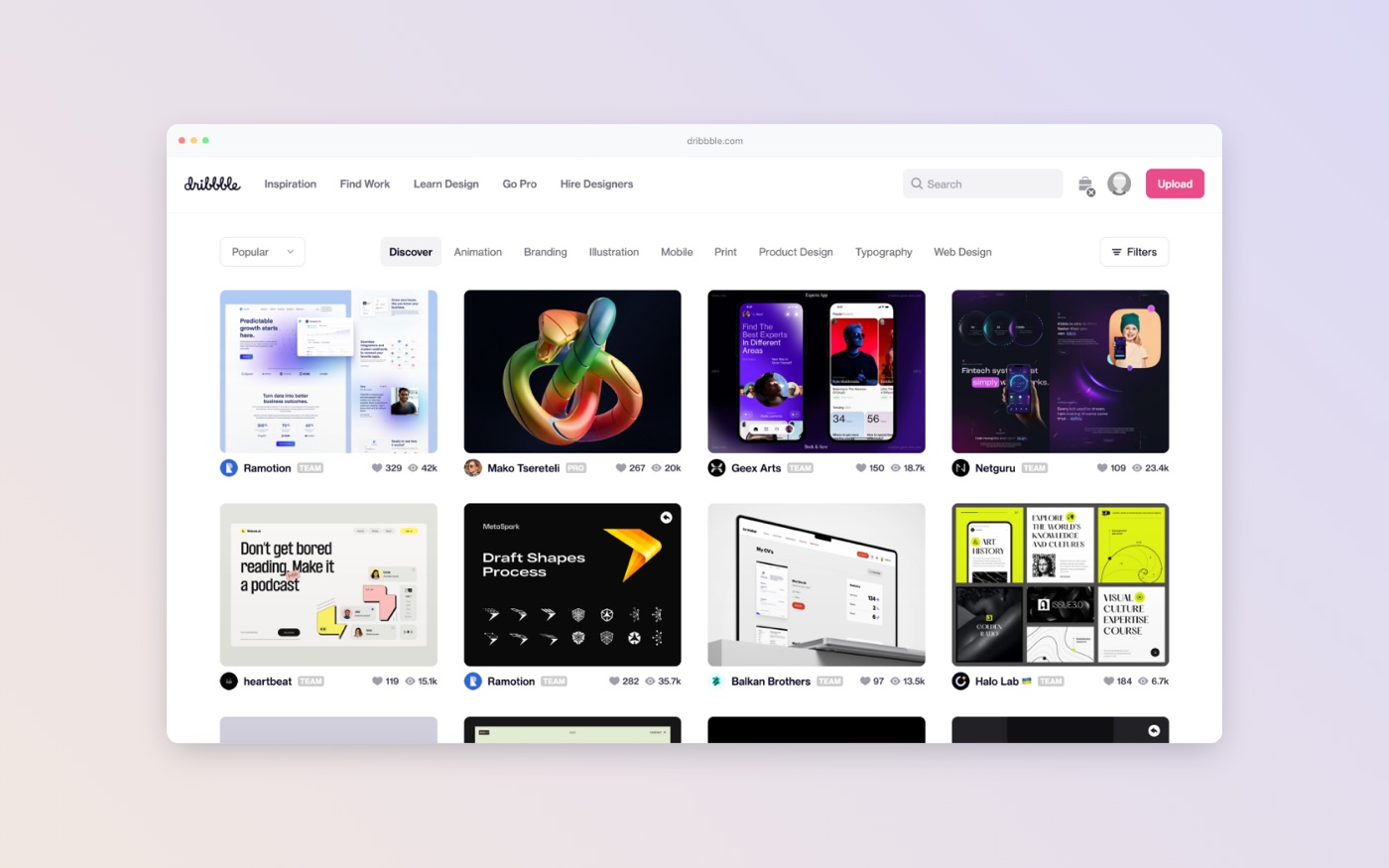
How to put a screenshot in a browser window
A browser frame tells people at a glance that they’re looking at a website. This guide covers adding one, choosing a style that suits the page, and what to put in the address bar.
Step by step
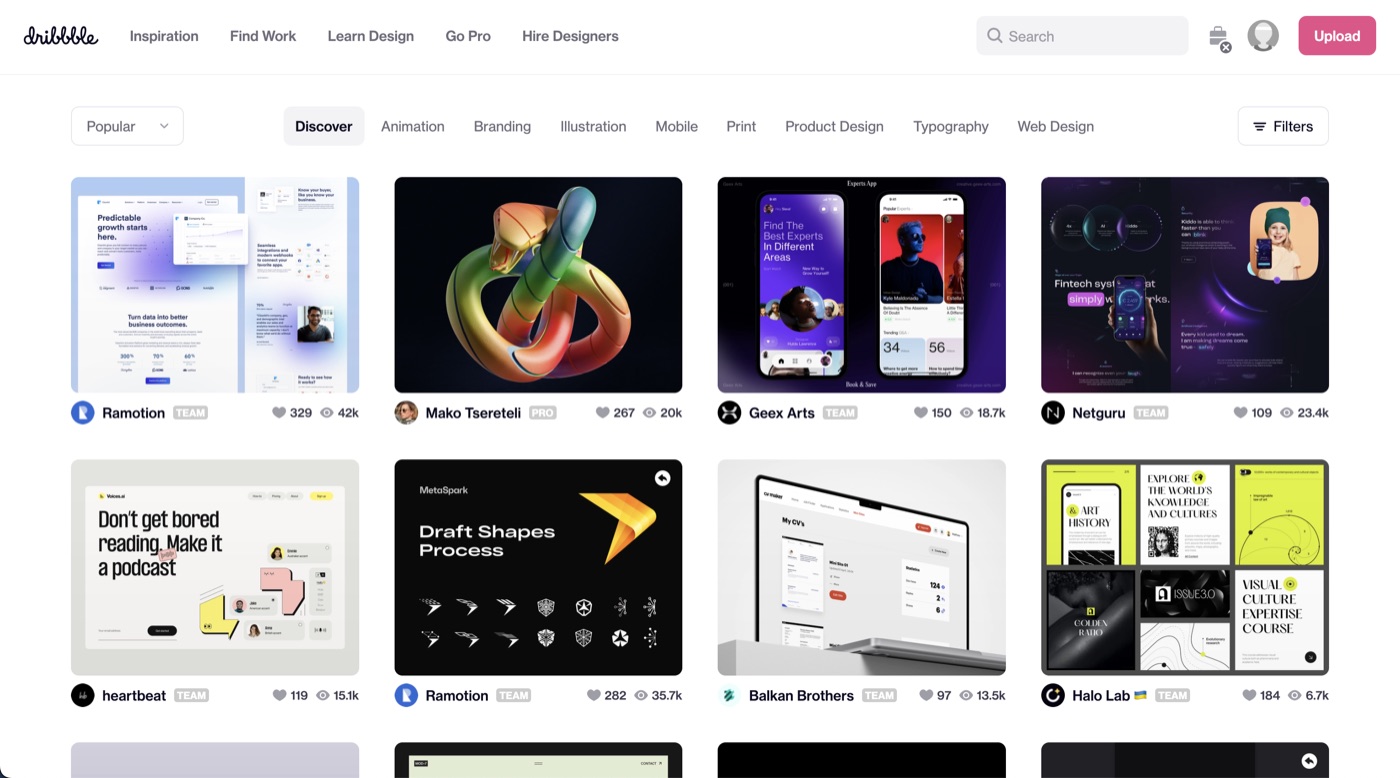
- Capture just the page. Leave out your own browser’s tabs and toolbars, because the frame adds its own. On a Mac press ⌘+⇧+4 and drag over the page; on Windows press Win+Shift+S. The extension does this for you in one click.
- Add it to the editor. Open the editor and drop, choose or paste the screenshot. Wide screenshots go into a browser window automatically.
- Pick a style. Under Frame, choose Light, Dark, Black, Soft, Square or Plum, or Custom to set every color yourself.
- Set the address. Type into the Address field, or click the address bar on the frame and type there.
- Choose the buttons. Toggle Window buttons, Back & forward and Menu button to match how much detail you want.
- Finish and export. Pick a background, set the canvas size, and export.
Choosing a frame style
- Match the page’s brightness. A light site looks best in the Light or Soft frame; a dark interface in Dark or Black. A light frame around a dark app draws a hard edge that pulls attention away from the content.
- Square corners suit dense, technical screenshots; rounded corners suit marketing images.
- Keep the same style across a set. If a blog post or deck has several screenshots, give them all the same frame, background and size. Save it once with Looks → + and apply it to the rest.
What to put in the address bar
- The real domain for anything public, so people can find it.
- A short, clean path.
acme.com/pricingreads better than a URL full of tracking parameters. - Nothing, for unreleased products. Turn the address bar off rather than showing a staging or localhost address.
If your screenshot already has a browser toolbar
Crop it off first, or you’ll have a browser inside a browser. Click Crop in the editor, choose Freeform, and drag the top edge down past the toolbar.
Frequently asked questions
Can I type my own URL in the browser frame?
Yes. Type it in the Address field under Frame, or click the address bar on the frame itself.
Can I remove the address bar?
Yes. Turn off Address bar under Frame. You can also turn off the window buttons, navigation arrows and menu button.
Is there a dark browser frame?
Yes: Dark and Black. Custom lets you pick any colors, including the window buttons.
Is it free?
Yes, with no account or watermark.