 Screenshot.Rocks
How to put a screenshot in an iPhone frame
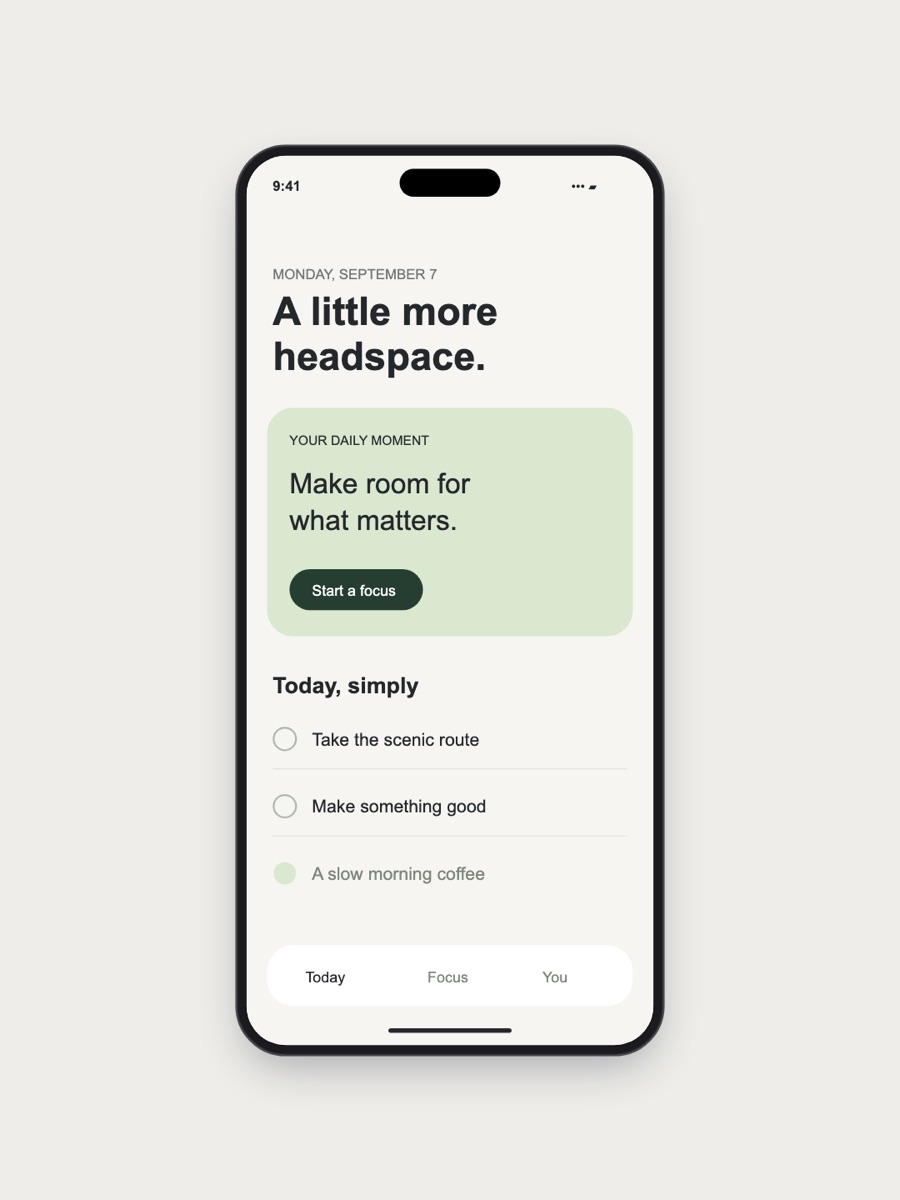
An iPhone frame makes it obvious a screenshot is from an app or mobile site. Below: the steps, plus a few tricks for a clean status bar.
Step by step
- Take the screenshot. On an iPhone press the side button and volume up together; on most Android phones press power and volume down. For a website you can also capture the mobile view from your computer.
- Move it to your computer with AirDrop, Quick Share, your photo library or email.
- Add it to the editor. Portrait screenshots go straight into the iPhone frame. If yours doesn’t, click iPhone under Frame.
- Choose the finish: Space Black, Silver, Gold, Blue or Deep Purple. A dark finish stands out on a light background, and a light one on a dark background.
- Decide on the Dynamic Island. Leave it on for a current iPhone look, or turn it off if it covers something important at the top of the screen.
- Size it and export. Use 4:5 for Instagram and LinkedIn posts, 9:16 for stories, or 1:1 for a square.
Get a clean status bar
A low battery, a stray notification icon or 3:47 am in the corner is distracting. A few ways to tidy it:
- iOS Simulator: developers can set a clean status bar with
xcrun simctl status_bar booted override --time 9:41 --batteryLevel 100. 9:41 is the time Apple uses in its own product shots. - Android: turn on System UI demo mode in Developer options. It shows a full battery, full signal and a fixed time.
- On any phone: charge it, turn on Do Not Disturb so notification icons don’t appear, and take the screenshot on Wi-Fi.
Tall screenshots and scrolling pages
The frame’s screen has the shape of a modern iPhone. A screenshot that is taller than that is trimmed to fit. Use Align screenshot to choose whether the top or the middle stays visible. If you want to show a whole long page, a phone frame isn’t the right tool; use the Image frame on a 9:16 canvas instead.
The frame is iPhone-shaped, but Android screenshots work too. Most have a similar shape, so only a thin strip is trimmed.
Frequently asked questions
Can I use an Android screenshot?
Yes. Android and iPhone screens have similar proportions, so the screenshot fills the frame with little or no trimming.
Can I make App Store screenshots with it?
It’s built for marketing and social images. Apple’s required iPhone screenshot sizes are larger than the editor’s 2300 px maximum, so use a dedicated tool for store listings.
Can I put a website in the iPhone frame?
Yes. Capture the site’s mobile view with the mobile screenshot tool, and it opens in the iPhone frame.
Can I change the iPhone’s color?
Yes. Pick Space Black, Silver, Gold, Blue or Deep Purple under Frame.